The Bedroom Studio Moment
Something shifted in the last few years. It used to be that serious guitar recording meant booking studio time, lugging a cab into a live room, and hoping the engineer understood what you were going for. Now, more professional-quality guitar tracks are being cut in apartments than in commercial studios — not because the gear got cheaper, but because it got better.
Apartment guitarists, bedroom producers, and home studio engineers are all running into the same discovery: a well-chosen signal chain going straight into an audio interface can sound as good as — or better than — a mic'd amp. No room noise, no volume complaints from neighbors, no 2 AM sessions cut short by the person in the next unit. Just guitar, pedals, and an interface.
But not all pedals translate equally to a direct setup. A fuzz pedal that sounds incredible cranked through a 4×12 cabinet can become a noisy mess when the XLR goes straight into Pro Tools. This guide covers what actually matters in a recording-friendly pedal — and the specific Skreddy gear that was built with direct recording in mind.
What Makes a Pedal Recording-Friendly?
Playing live and recording direct are different problems. A pedal that works on stage isn't automatically right for the studio. Three things separate recording-friendly pedals from everything else:
1. Low Noise Floor
Amps mask noise. A real amp adds its own ambient hiss, room noise, and speaker character that smear over any subtle noise from your pedals. When you go direct, every hiss, hum, and artifact in your signal chain is fully exposed in the recording. Low-gain pedals and well-designed circuits are essential — the noise floor of a boutique handwired pedal is dramatically lower than most mass-produced alternatives.
2. Consistent Tone
Some pedals — particularly germanium fuzz designs — are temperature-sensitive. Their sound drifts depending on whether they've warmed up, whether the room is cold, or whether the transistors had a good day. That instability is charming in a live context where nothing stays still anyway. In a recording, it's a problem: you can't match takes, you can't punch in patches, and you can't predict what you'll get when you come back the next morning.
Recording-friendly pedals hold their character session to session. Silicon designs are particularly consistent — same temperature, same sound, every time. For a deeper look at why this matters in circuit design, read our breakdown: Why Germanium vs Silicon Matters in Your Fuzz Pedal.
3. Cab Sim Compatibility
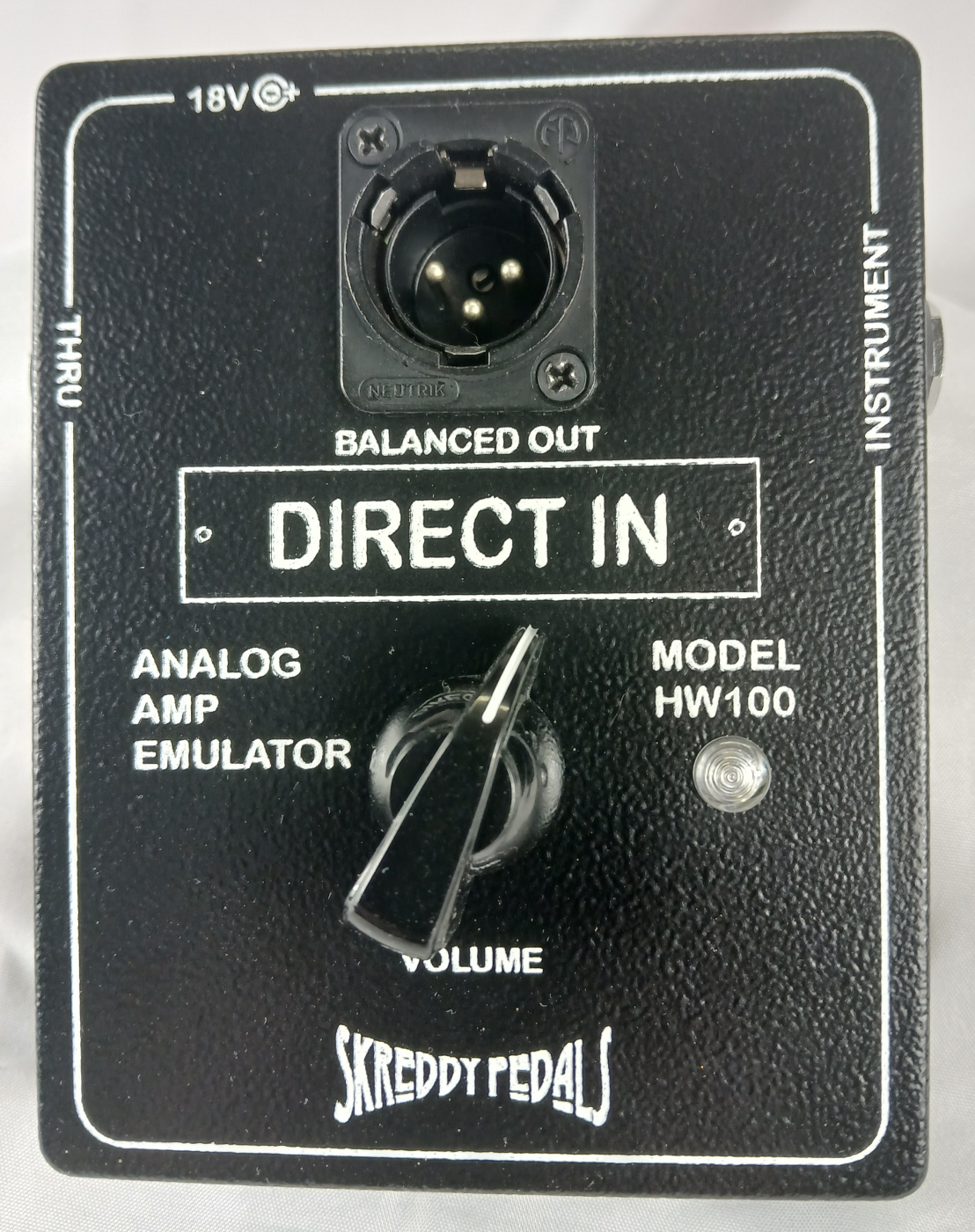
Direct recording usually means running a cab simulation somewhere in the chain — either a hardware pedal with a built-in cab sim (like the Skreddy Direct In), a software IR loader in your DAW, or a plugin like Neural DSP or Amplifire. How a pedal interacts with cab sims determines whether it sounds natural or brittle when it hits the session. Smooth, harmonically rich overdrive and fuzz circuits tend to translate better than harsh, spiky designs that light up in the high frequencies.
The Purpose-Built Solution: Skreddy Direct In
Most "recording-friendly" pedals are overdrive and delay units that happen to work well direct. The Skreddy Direct In was designed from the ground up with direct recording as its primary use case. It's an analog amp emulator — voiced to sound like a cranked Hiwatt — that takes the signal from your guitar and pedals and makes it sound like it was mic'd through a real speaker cabinet.
The key feature for recording guitarists who don't want to fully abandon their amp: the thru jack. This lets you run a parallel signal — one path going to your real amp on stage or in the room, another path sending the XLR direct to your interface. You get the feel and stage presence of a live amp while simultaneously capturing a clean, cab-sim-processed direct track. Many engineers record both and blend them in the mix.
The Direct In is also exceptionally fuzz-friendly. Digital amp modelers and software plugins often struggle with fuzz pedals — the extreme harmonic content can cause aliasing artifacts and unnatural behavior in the digital domain. An analog amp emulator like the Direct In accepts fuzz signals exactly the way a real amp would: with warmth, harmonic complexity, and natural-sounding saturation when pushed.
Delay in the Direct Chain: Echo Infinity
Time-based effects are where direct rigs shine. In a live setup, delay often gets swallowed by room ambience and stage volume. Recording direct, every repeat is perfectly audible — which means the quality of the delay circuit becomes a critical part of the recorded sound rather than a subtle effect in the background.
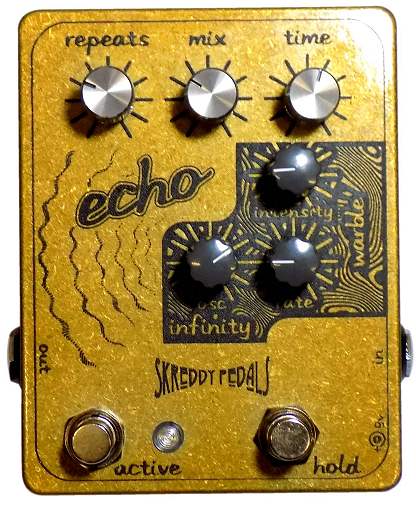
The Echo Infinity was built for exactly this kind of detail-oriented listening. Its tape-like repeats degrade naturally as they fade — shorter, quieter echoes each time, with a warmth that softens rather than clutters. This degradation is what separates musical delay from sterile digital repetition, and it's the characteristic that makes tape-era recordings sound the way they do.
The standout feature for studio use is the infinity feedback mode: the ability to hold a note or chord and swell it into an ambient texture that keeps cycling. In a recording context, this opens up a specific technique — recording a separate "ambient" pass of a riff or chord progression that can be layered underneath the main guitar track in the mix. Two takes, one pedal, a much richer end result than you'd get from a single-pass recording.
The Echo Infinity's mix control also makes it straightforward to dial in the precise amount of direct signal vs. effect — essential for a home studio setup where you're monitoring on headphones and need to hear the wet/dry blend exactly as it'll sound in the final mix.
Low-Gain Overdrive That Behaves in the DAW: Rubber Soul
High-gain pedals can be difficult to manage in a direct recording setup — the more gain you add at the pedal stage, the harder it is for the amp emulator or cab sim to handle the incoming signal gracefully. Low-gain overdrive is a different story. A low-gain circuit adds harmonic richness and a subtle, natural-sounding grit that sits beautifully in a mix without fighting the downstream processing.
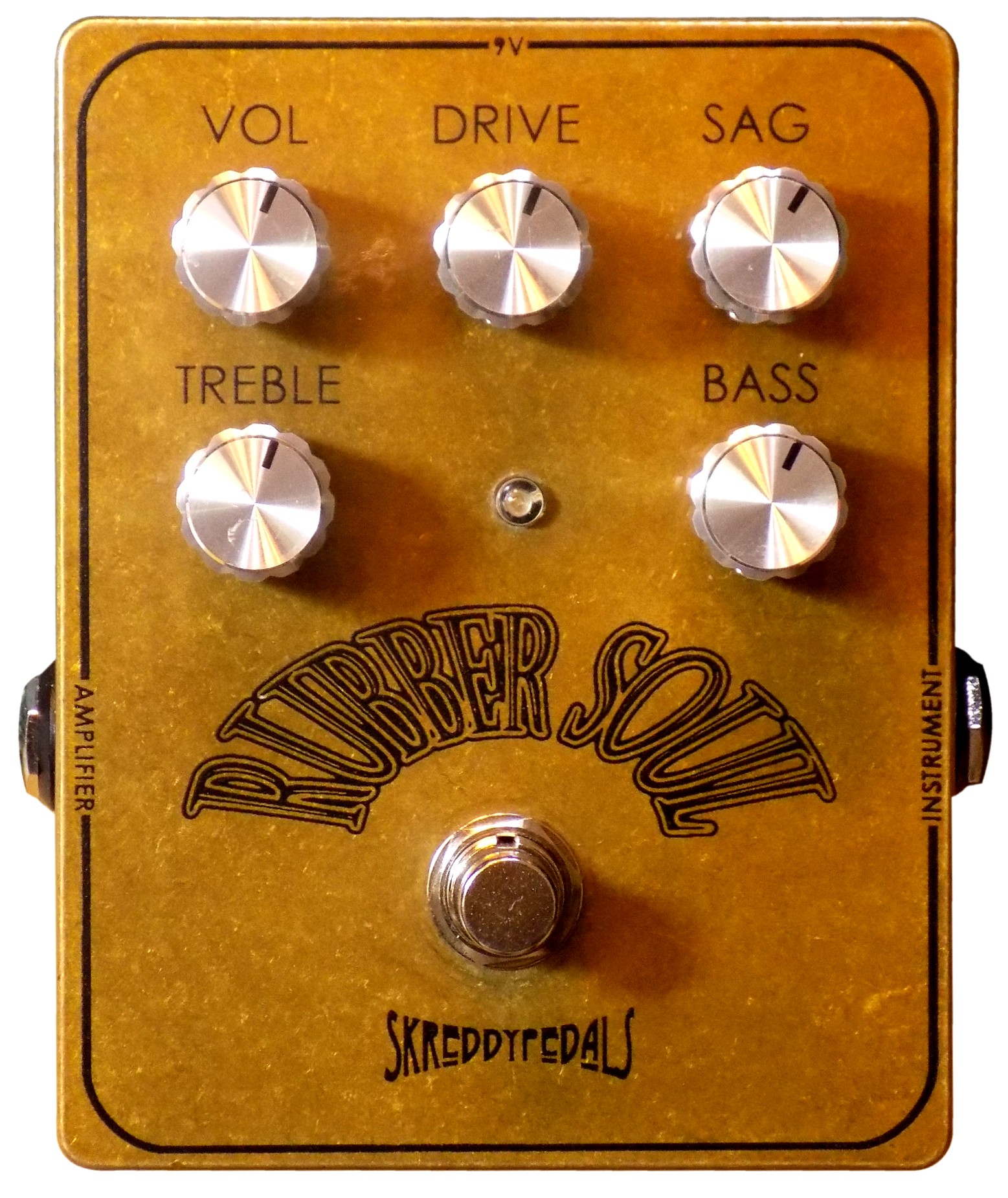
The Rubber Soul is the Skreddy overdrive that was built for exactly this kind of role. Its character comes from a British combo amp at the sweet spot — the sound of a Vox AC30 pushed just past clean, with the jangly, glassy clarity that made British mod-rock records from the mid-1960s sound the way they do. It adds grit without obscuring note definition, which means chord voicings stay intelligible and lead lines stay articulate even when they're being processed by a cab sim downstream.
In a DAW context, this clarity gives you maximum flexibility at the mixing stage. A Rubber Soul-processed track EQs well — the relatively flat frequency response means you can cut or boost anywhere without it falling apart. Darker, heavier overdrive circuits have much narrower EQ windows; adjust them wrong and the tone collapses. Low-gain drives like the Rubber Soul reward post-processing rather than fighting it.
Fuzz for Direct Recording: Why Silicon Wins
Fuzz pedals are polarizing in a direct context — some engineers avoid them entirely, believing they're too unpredictable for studio work. That reputation comes from germanium fuzz circuits specifically: temperature-sensitive, inconsistent, prone to drift between takes.
Silicon fuzz is a different story. Silicon transistors hold their character at any temperature. The sound you dial in at the start of a session is the same sound you get three hours later when you're punching in the last phrase. This consistency is the core reason Skreddy uses carefully selected low-gain silicon transistors in all their fuzz designs — the same warmth and musical character as vintage circuits, none of the instability.
In a direct recording setup, this matters especially for multitrack work. If you're recording guitar across multiple sessions — or if you're doing post-production fixes days after the original tracking — silicon fuzz gives you a predictable target. You can match the tone from the original session without having to coax the pedal back to the right temperature or bias point.
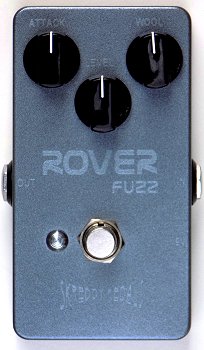
The ROVER Fuzz is the most recording-versatile entry point in the Skreddy fuzz lineup. It's a silicon Tonebender MkII — the British fuzz circuit that powered an entire era of rock recording, now with the consistency and reliability that studio work demands. Enough gain for a committed fuzz tone, but responsive enough that your picking dynamics still come through in the recording. In a tracked guitar part, this dynamic response is what makes the difference between a fuzz track that breathes and one that sounds like a wall of undifferentiated noise.
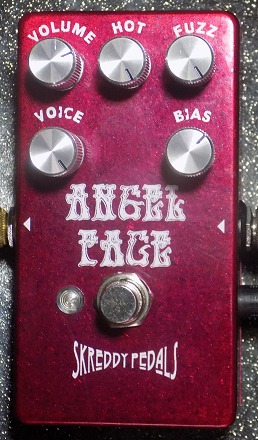
For humbucker-equipped players, the Angel Face is the better starting point — specifically voiced to avoid the muddiness that standard Fuzz Face circuits produce with anything except single-coil pickups. Both are silicon, both are consistent, and both interact naturally with the Direct In's analog circuit downstream.
Signal Chain Order for Direct Recording
Signal chain order matters more in a recording context than a live one — because every choice is captured permanently and has to hold up under close scrutiny. Here's the order that works for a direct setup:
- Guitar
- Fuzz pedal (if using one) — always first, before buffers or overdrive. Fuzz circuits are sensitive to what comes before them.
- Overdrive / low-gain drive (Rubber Soul) — after fuzz, before any modulation
- Modulation (phaser, vibe, chorus) — after drive, before delay and reverb
- Delay (Echo Infinity) — near the end of the chain, so echoes aren't further processed by downstream effects
- Direct In / amp emulator — final stage before the interface. The amp emulator should be the last thing the signal hits before it goes digital.
- Audio interface → DAW
One variation worth experimenting with: some engineers prefer to capture the guitar dry (no effects) and use the Direct In only as a tone shaper, adding all drive and time-based effects as plugins in the DAW. This gives maximum flexibility at the mix stage. The trade-off is that you lose the feel of playing through real pedals during the tracking session, which affects performance for many players. Neither approach is wrong — it depends on how much the physical feel of the pedals affects how you play.
Five Tips for Better Direct Recordings
1. Gain Stage Carefully
Direct recordings often suffer from two extremes: too clean (no harmonic interest, sounds like a MIDI guitar) or too saturated (everything gets buried and undefined in the mix). Aim for a pedal setup where the signal is harmonically rich but individual notes are still intelligible. Low-gain overdrive like the Rubber Soul is useful here — it adds density without eliminating definition.
2. Use Amp Sims After Pedals, Not Instead of Them
The mistake many home studio guitarists make is trying to do everything with software — running a dry guitar signal into an amp sim plugin and calling it done. Real pedals before a real analog amp emulator (like the Direct In) produce a different result: the interaction between the pedal circuit and the analog emulator produces natural-sounding harmonic content that software alone struggles to replicate. Use pedals for their character, use the amp sim for cab simulation and speaker response.
3. Monitor Latency
Recording through software amp sims introduces latency — the delay between playing a note and hearing it through your headphones. This affects your timing and feel. Most audio interfaces have a "direct monitoring" mode that lets you hear the raw signal without any plugin processing latency. If your setup allows it, monitor direct from the interface (hearing your pedals and amp emulator hardware) and let the DAW handle any plugin processing post-recording.
4. Record at Lower Levels Than You Think
A common mistake: recording too hot. When tracking guitar direct, aim for peaks around -12 to -10 dBFS rather than pushing to 0 dBFS. This leaves headroom for the mixing stage and prevents digital clipping, which sounds far worse than analog clipping and can't be recovered. Your recorded signal will sound quieter in the session than you expect — that's correct. Volume lives in the mix, not in the tracking stage.
5. Capture a DI Track Alongside Your Amp-Emulated Track
If your interface has multiple inputs, record a completely dry DI track in parallel with your processed signal. The Direct In's thru jack makes this straightforward. A dry DI track gives you a fallback at any point during mixing — if the processed tone isn't sitting right, you can re-amp the dry track through different software processing without having to re-track the guitar part entirely. Professional studios do this as standard practice. Home studio setups should too.
For a broader introduction to recording direct — covering the philosophy behind direct rigs and when an amp still makes sense — read: Recording Direct: Why You Might Not Need an Amp. And if you're still working out which fuzz circuit fits your style before committing to a direct rig, start with How to Choose Your First Fuzz Pedal.
Every pedal covered here ships direct from Carson City, Nevada. Built by hand, one at a time. Lead times vary — check the product page for current availability.
Pedals Mentioned in This Article